How do you redesign a website without losing SEO?
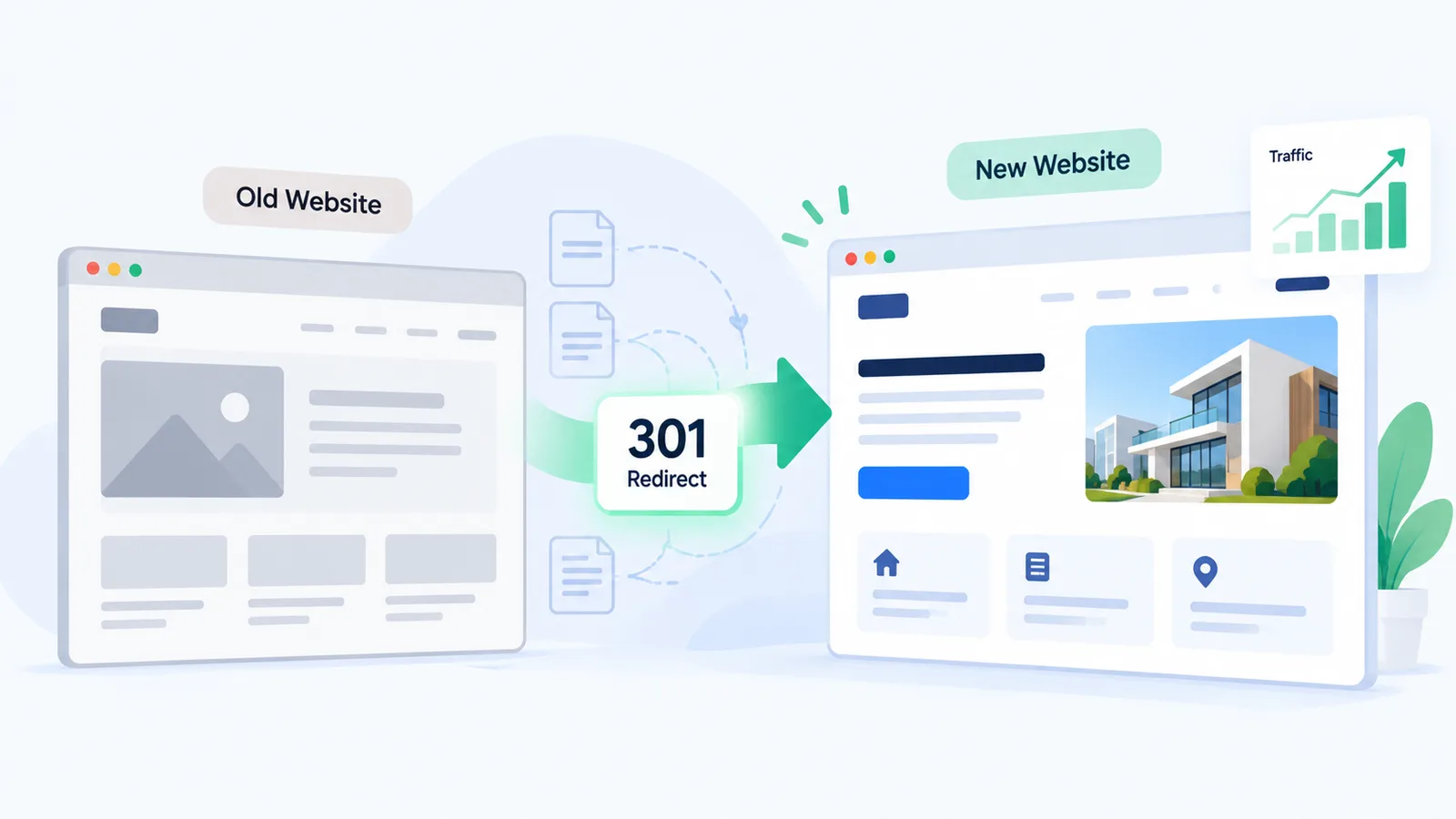
Record your current rankings first. Keep your URLs the same wherever you can, and send every old URL that does change to its new address with a 301 redirect. Carry the titles, headings and content of your ranking pages over to the new site. Before launch, remove the staging “noindex”. After launch, submit your new sitemap and expect a few weeks of movement while Google catches up.
What matters most:
- You’ll usually lose traffic for two reasons: URLs changed with no redirects, and pages dropped without a plan.
- Google says permanent (301) redirects don’t cause a loss in PageRank.
- Google advises keeping your redirects for at least a year. Longer is safer.
- If a staging noindex is still on at launch, it can keep your whole new site out of Google.
- Google says some ranking movement for a few weeks after a move is normal.
Your new website’s supposed to bring in more enquiries. Yet plenty of businesses launch a good-looking redesign and watch their Google traffic fall the same month. You can almost always prevent it. This checklist follows Google’s own guidance on moving pages.
Why do websites lose rankings after a redesign?
Because Google can’t find what it used to rank. The causes are predictable:
- Your URLs change with no redirects, so old links and bookmarks hit 404 errors and the ranking signals on those URLs are lost.
- A service page that brought you enquiries gets cut because it “didn’t fit the new design”.
- Your detailed copy gets replaced with a slogan and some icons.
- The new site launches with a noindex tag or a robots.txt block left over from development.
- Your important pages end up four clicks deep, or with no internal links at all.
It’s rarely the design that does the damage. It’s the pages and URLs your redesign removed or moved.
What does Google recommend when URLs change?
Google’s Search Central page on site moves lays out the process. “It’s important to map your old site’s URLs to the URLs for the new site,” it says. It recommends server-side permanent redirects, such as 301s, from each old URL to its new equivalent.
A few details in that guidance matter in practice:
- Send each old page to its closest new page. Don’t point everything at your homepage.
- Redirect straight to the final URL, with no chains.
- “301 and other permanent redirects don’t cause a loss in PageRank.”
- Keep your redirects “for as long as possible, generally at least 1 year.”
- Submit your new sitemap in Search Console so Google finds the new URLs.
Google also says your visibility “may fluctuate temporarily during the move”. For a medium-sized site, it can take a few weeks or more before the new URLs start showing.
Website redesign SEO checklist: step by step
Before you start
- Export your top pages, queries and clicks for the last 12 months from Google Search Console, and note which pages bring you enquiries. Our ranking check guide shows you how.
- Crawl your current site with a tool like Screaming Frog, and list every URL with its title, meta description and H1.
- Keep every page that ranks or converts unless you’ve got a strong reason to cut it.
During the build
- Keep your URLs unchanged where you can. An unchanged URL needs no redirect.
- Build your redirect map with one row per page: old URL, new URL. Include images and PDFs that get traffic.
- Move the titles, headings and body copy of your ranking pages across first. Improve them after.
- Password-protect your staging site instead of relying on noindex alone, so nothing carries over into launch.
At launch
- Check your live site’s robots.txt and page source for any leftover
noindex. - Switch on your redirects and test them. Each old URL should return a single 301 to the right page.
- Submit your new sitemap in Search Console and check your main pages with URL Inspection.
After launch
- Check Search Console every week for coverage errors, 404s and drops on your important pages.
- Update internal links that still point to old URLs, so your site doesn’t depend on redirects forever.
You’ll also find the crawl and indexing checks in our free SEO checklist. If your pages disappear altogether after launch, our guide on why a website doesn’t show up on Google covers the causes.
How long does it take to recover rankings after a redesign?
Usually a few weeks, if your redirects and content are right. Google says new URLs can take a few weeks or more to show for medium-sized sites, and longer for large ones. Expect some fluctuation along the way.
Still not back after a couple of months? Then something’s probably broken. Look for missing redirects, removed content or blocked pages.
| After launch | What’s normal | What’s a warning sign |
|---|---|---|
| Week 1 to 2 | Some ranking movement; old URLs still showing | Key pages returning 404 or noindex |
| Week 3 to 8 | New URLs replacing old ones; traffic settling | Steady decline on pages that used to convert |
| Month 3+ | Back to baseline or better | Still well below benchmark |
Does a redesign affect AI search too?
It does. AI tools that search the web, such as Perplexity, find pages through crawling and search, so if your pages vanish or get blocked, they drop out of AI answers too. Make sure your new CDN or security setup, say Cloudflare, isn’t blocking AI crawlers. Our guide to Perplexity SEO names the crawler you’ll need to allow.
What we would do first
We’d finish your benchmark and redirect map before anyone opens a design tool. Those two documents prevent most of the damage. And they’re much harder to rebuild after launch.
We’d also sit in on your content decisions. Your designer wants cleaner pages; your SEO needs the detail that earns rankings. You can have both. That’s how our web design service works.
Related reading: AEO vs SEO, is SEO dead because of AI? and real estate SEO in India.
Frequently asked questions
Will redesigning my website affect SEO?
It can go either way. If your redesign keeps URLs, content and redirects in order, it can improve rankings through better speed and structure. If it changes URLs carelessly or removes content, you’ll usually lose traffic.
Do I need 301 redirects if I keep the same domain?
Yes, for every page whose URL changes. To Google, a changed URL with no redirect is a broken link, whatever your domain. Pages that keep their URL don’t need one.
How long should I keep 301 redirects?
Google recommends at least a year, and keeping them indefinitely where you can. If you remove them early, you throw away ranking signals and break old links.
Can I change my website platform without losing SEO?
Yes, say from WordPress to Webflow. The same rules apply: keep your URLs or redirect them, carry your content across, and check the new platform’s defaults for noindex, robots.txt and canonical tags.
Should I redesign and change domain at the same time?
We’d do them separately. When both change at once, it’s much harder to trace what went wrong. If you do change domain, Google also asks you to use the Change of Address tool in Search Console.
Planning a redesign?
House of Ranking is an India-based SEO and AI search consultancy for small and mid-sized businesses. We can build your benchmark and redirect map before launch, or look at a recent redesign that’s lost you traffic. Book a free strategy call.
Sources
- Google Search Central, “Site moves with URL changes”: https://developers.google.com/search/docs/crawling-indexing/site-move-with-url-changes
- Google Search Central, “AI features and your website”: https://developers.google.com/search/docs/appearance/ai-features
- Perplexity, “Perplexity Crawlers”: https://docs.perplexity.ai/guides/bots